
/fullinstall BUILDS THE SERVERCategories, channels, roles, permissions, ticket panels, applications, logs, onboarding, and community systems.
 MUDCITYRP
FULL SERVER INSTALLER + AI MODERATOR
Deploy a complete FiveM Discord with one command—then let MudBall's AI moderator work inside tickets, organize evidence, and help staff issue verified bans with a clear record behind every decision.
/fullinstall BUILDS THE SERVERCategories, channels, roles, permissions, ticket panels, applications, logs, onboarding, and community systems.
Handles ticket context, checks reports and evidence, flags escalation, and records staff-approved bans that can be verified later.

/fullinstall deploys the complete Discord blueprint—not a handful of starter channels.
Staff, civilian, department, customer, verification, and workflow access are built into the setup.
Ticket context, rule matching, evidence organization, escalation, and verifiable enforcement records.
Instead of stitching together separate dashboards, permissions, subscriptions, and support systems, run the community from a single purpose-built bot.
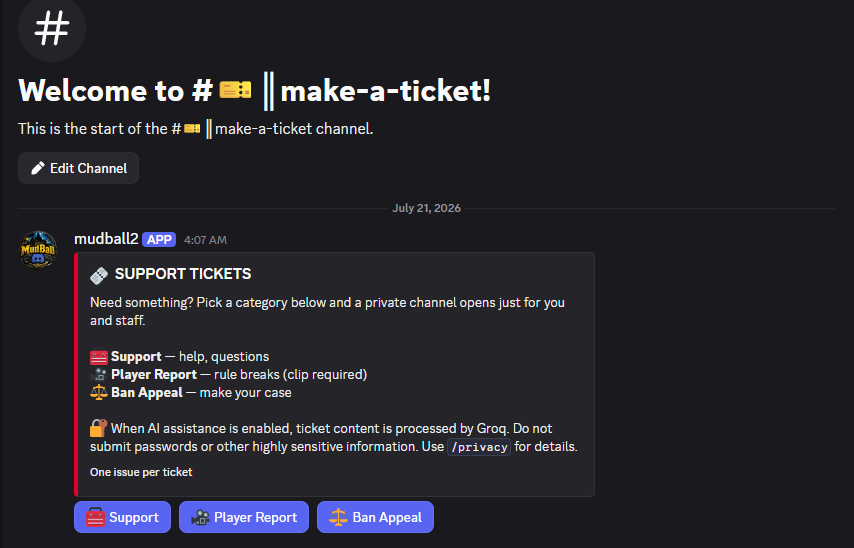
Support, player reports, and ban appeals each get a purpose-built private lane.
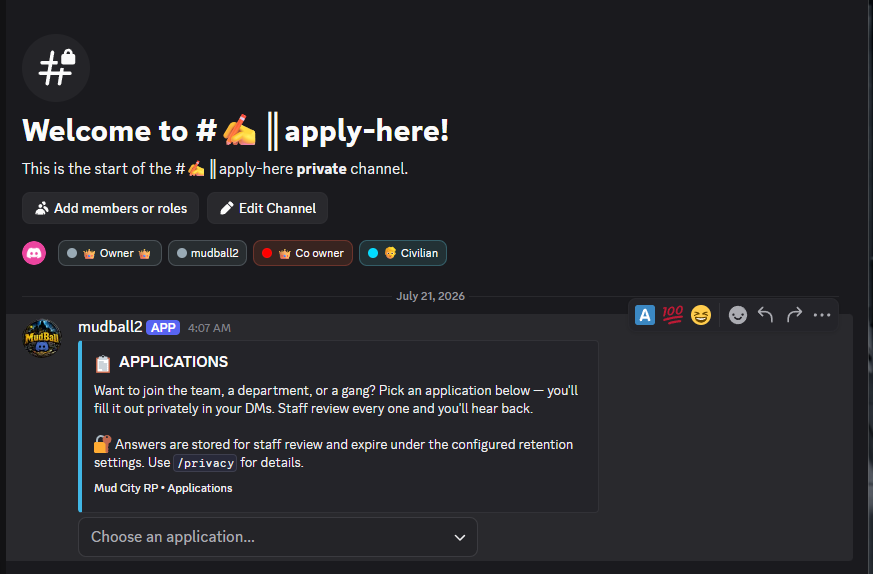
INCLUDED IN MUDBALL ✓Private DM applications for staff, testers, gangs, departments, and businesses.
INCLUDED IN MUDBALL ✓Ranks, leaderboards, welcome cards, suggestions, giveaways, polls, and rotating tips.
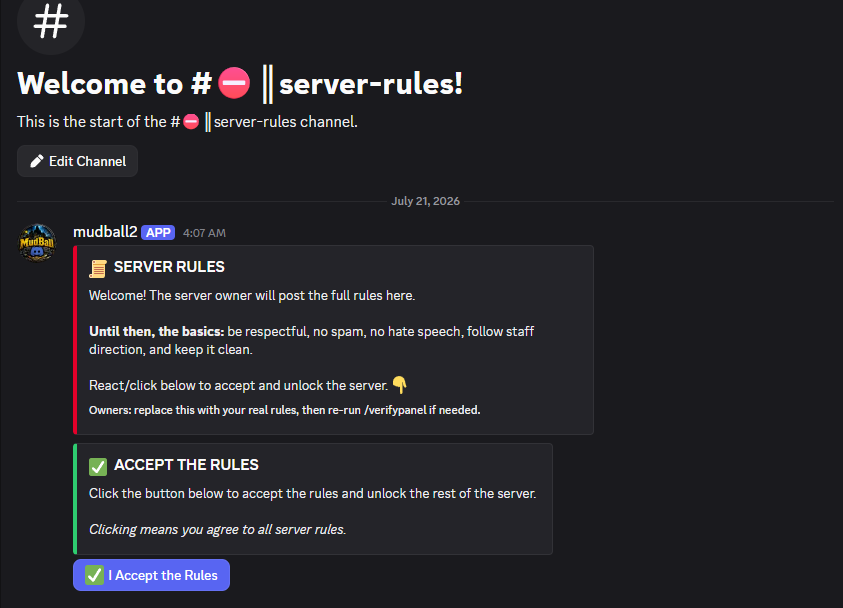
INCLUDED IN MUDBALL ✓Warnings, timeouts, kicks, purges, verification, rules acceptance, and role workflows.
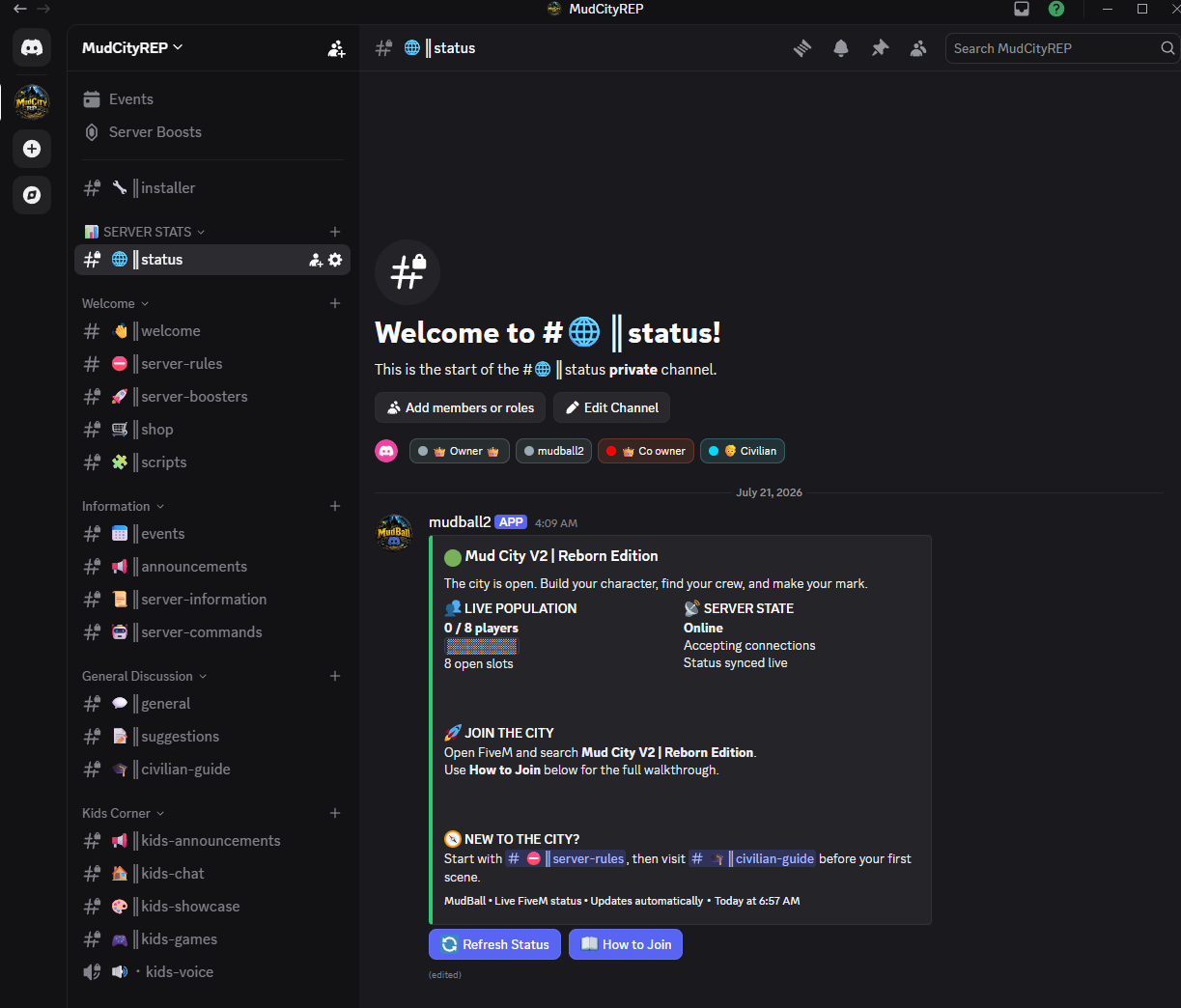
INCLUDED IN MUDBALL ✓Live city status, player lists, operational checks, and a clear path into the server.
INCLUDED IN MUDBALL ✓Invite attribution and community activity tools without another dashboard to manage.
INCLUDED IN MUDBALL ✓MudBall's AI moderator works inside support tickets using your actual rules, ticket history, reports, and supplied evidence. It organizes the case for staff, identifies the matching rules, preserves the reasoning, and supports a verified-ban record instead of leaving enforcement buried in chat.
AI CASE REVIEW: Report, rule history, and submitted evidence have been organized for staff.
The relevant city rule and supporting context were found. Staff can review the case, approve enforcement, and retain a verifiable ban record for any later appeal.
The public experience stays clean while the hard operational work—setup, permissions, retention, syncing, and workflows—lives underneath.
/fullinstall builds categories, channels, roles, permissions, panels, and a private installer channel from one blueprint.
Live status, player list, character lookup, Discord-to-character linking, and job-role synchronization.
Moderation commands, structured logs, onboarding guidance, tickets, applications, and review workflows.
XP, ranks, suggestions, polls, giveaways, welcome cards, invite tracking, and scheduled tips.
AES-256-GCM runtime encryption, retention pruning, answer redaction, and data access/deletion commands.
Your Discord app, your database, your keys, your hosting. MudBall stays under the operator's control.
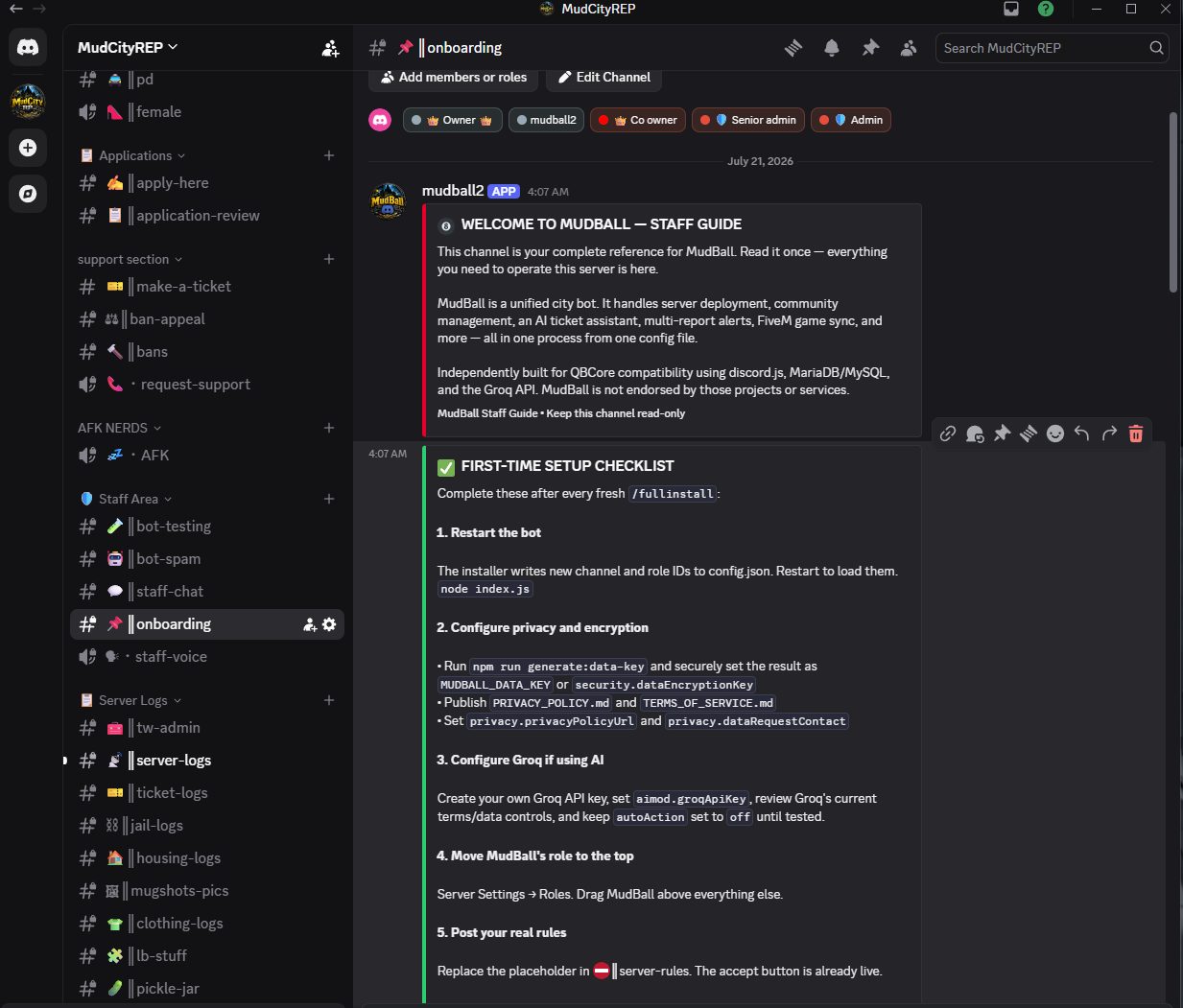
Real panels and workflows from the MudCityRP Discord: status, rules, applications, tickets, and guided staff onboarding.
One self-hosted commercial license. Purchase through Tebex, receive the MudBall Customer role, and unlock the private Discord download channel automatically.
Your license is tied to the Discord account used at checkout. Whether you are already in MudCityRP or join afterward, the download stays private and easy to recover.
Use the Discord account you want attached to your MudBall license.
Join our Discord and complete the normal server-rules flow.
If you purchased before joining, run /claim using the verified Tebex app.
The MudBall Customer role unlocks #mudball-downloads with the ZIP, install guide, updates, and support.
/claim with the same Discord account used at checkout.Join MudCityRP Discord ↗